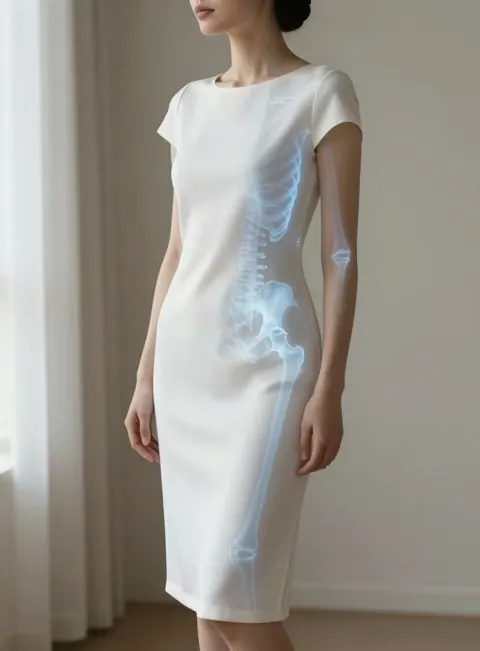
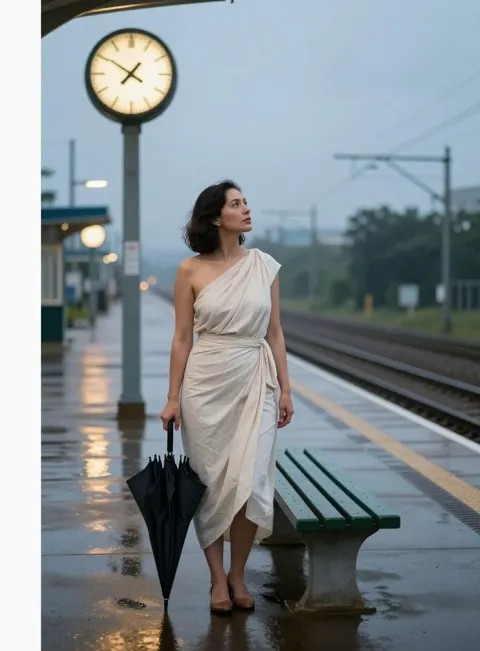
From an idea to a picture
-
1
You describe it
A feeling or a scene in your own words, a style from the Style Library, and a shape. You can add a reference picture. Members can first talk the idea through with Mithu, our assistant.
-
2
We write the scene
An AI prompt writer reads what you mean and writes a detailed description of the picture. KamZour’s rules are part of its instructions, every time.
-
3
A painter paints it
An AI image model paints from that written scene. It sees the scene only: never your reference picture, and never your account.
-
4
It comes to you
The picture arrives in your private Session Library with The scene we wrote beneath it, so you can always read exactly what was painted.
Two buttons under every picture let you keep going. Again asks what should be different, and sends your original idea back to the prompt writer with your feedback as something it must respect. Edit asks what you would change, and revises the scene we wrote to make that change and nothing else. Both follow the same rules as the first picture.
We use AI models from established providers and change them when better ones arrive, so this page describes what each step does rather than naming the models.